AI-Powered Phishing: Why 2026 Scam Emails Are So Convincing (and How to Spot Them)
The typo-riddled phishing email is dead. AI now writes flawless, personalized scams at scale — including voice clones of your CEO. Here's the 2026 defense playbook for Omaha businesses.
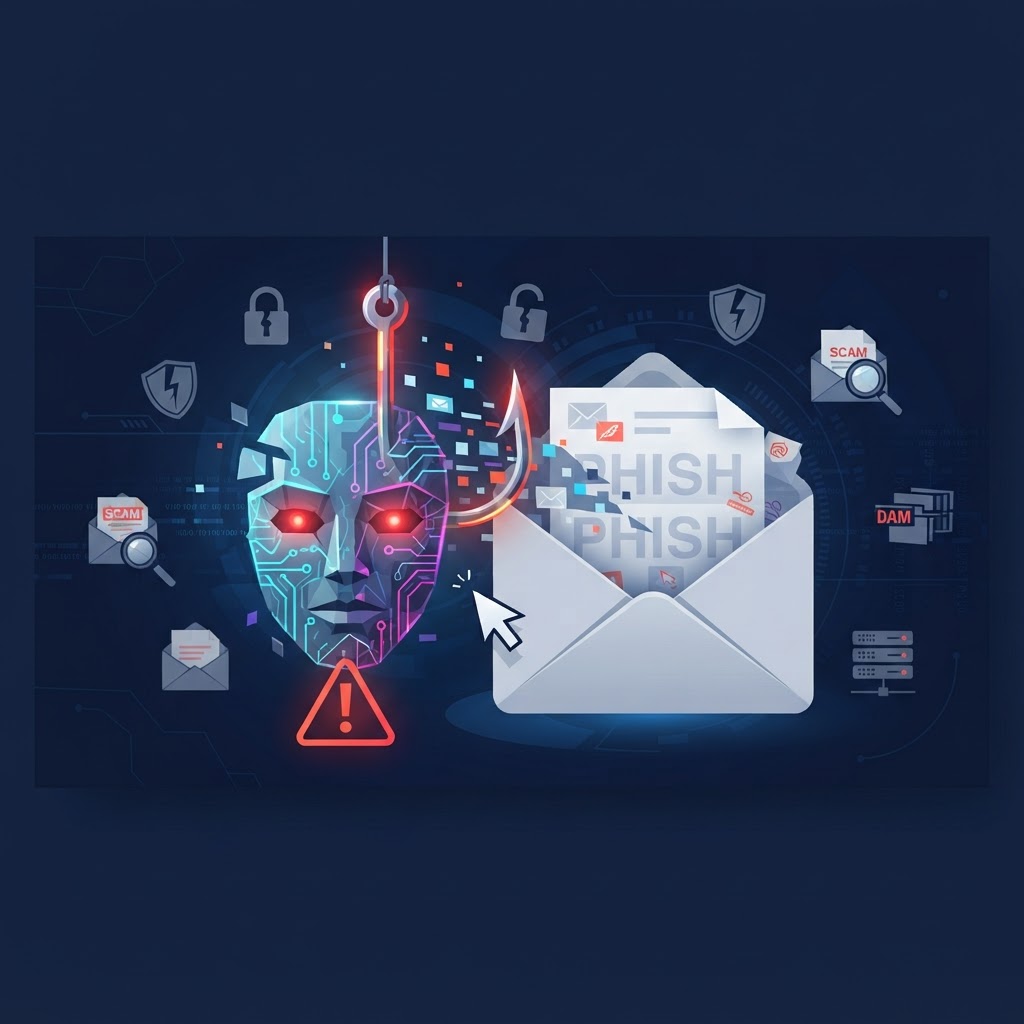
For twenty years, we trained employees to spot phishing by looking for bad grammar, weird greetings, and clumsy urgency. That training is now obsolete. Generative AI writes phishing emails with perfect grammar, in your vendor's exact tone, referencing real projects scraped from LinkedIn and your company website.
What AI Changed
- Perfect language, personalized at scale. Attackers feed a target's LinkedIn, website, and breach data into an LLM and generate hundreds of individually tailored emails in minutes.
- Thread hijacking. After compromising one mailbox, AI drafts replies inside existing email threads — same tone, same context. The "updated banking details" email arrives mid-conversation from a real address.
- Voice cloning. Thirty seconds of audio from a voicemail greeting or a YouTube video is enough to clone a voice. "CEO" calls the bookkeeper asking for an urgent wire — it's happening to small businesses, not just Fortune 500s.
- Lookalike domains at scale. AI automates registering and building convincing clone sites for credential harvesting.
The New Detection Rules
Since "look for typos" is dead, teach your team to key on context and channel, not writing quality:
- Any request involving money, credentials, or gift cards gets out-of-band verification. Call the person on a number you already have — never one from the email.
- Beware of mid-thread changes. New banking details, new "personal" email address, sudden urgency inside an established conversation — that's the thread-hijack signature.
- Check the actual domain, character by character. rn vs m, 1 vs l, .co vs .com.
- Establish a code word for voice requests. If "the boss" calls asking for a wire and can't give the code word, hang up and call back.
The Technical Backstop
Training helps, but people have bad days. The technical layer matters more than ever:
- Phishing-resistant MFA (app-based or hardware keys — not SMS) on email and banking.
- DMARC at p=quarantine or p=reject so attackers can't spoof your own domain against your staff and customers. Check yours free with our Website Security Scan.
- Payment change controls: a written rule that no vendor banking change is processed without voice verification on a known number. This one policy closes off the most common path a business email compromise takes to your bank account.
- AI-based email filtering that scores behavioral anomalies, not just known-bad signatures.
What To Do This Week
- Send this article to your team — especially anyone who handles payments.
- Set the vendor-banking-change verification policy in writing.
- Run our free scan to check if your own domain is spoofable.
- If you don't have phishing-resistant MFA everywhere, make that this month's project.
Want us to test your defenses? Call 402-650-8407 or start with the free Cybersecurity Risk Assessment.
Related IT Services for Omaha Businesses
IT Support Omaha
Fast local help desk & onsite support
Managed IT Services Omaha
Local MSP, monitoring, help desk & security
Cybersecurity Omaha
Ransomware defense, MFA, email security
AI Support Omaha
Secure setup, training & ongoing implementation
Search Engine Optimization Omaha
SEO, AEO & GEO for Google and AI visibility